
Download the DBBet App
Google Play's policy does not allow real-money betting apps in Indonesia, so DBBet distributes its Android app directly as an APK file. The button below is a tracked referral link to DBBet's APK download. Follow the install guide below for Android or iPhone.
Android — Install Steps
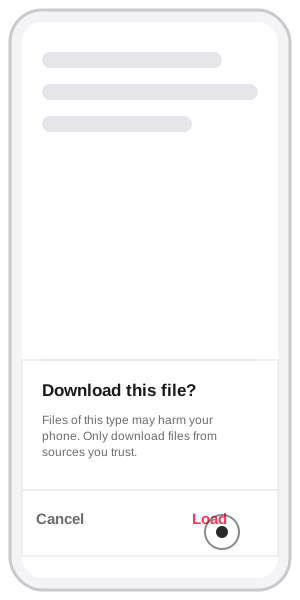
1. Download the file
Tap Download on the browser's file prompt ("Download this file? Files of this type may harm your phone. Only download files from sources you trust.") and tap Load/Download to confirm — this is Android's standard warning for any file from outside the Play Store, not a sign of a specific problem with this app.
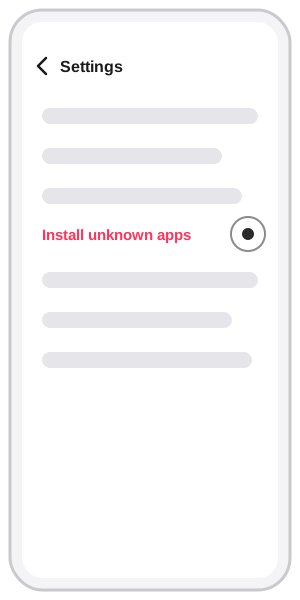
2. Open install settings
Go to Settings and open the "Install unknown apps" section.
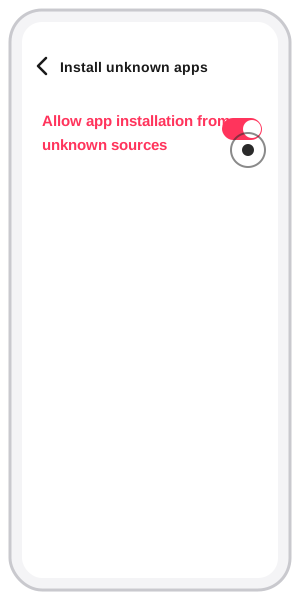
3. Allow the install
Toggle on "Allow app installation from unknown sources" for the browser you downloaded with.
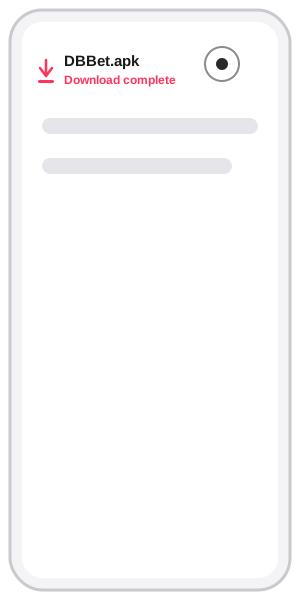
4. Open the downloaded file
Find DBBet.apk once it shows "Download complete" and tap it.
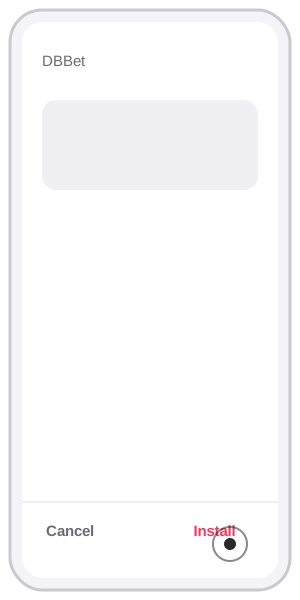
5. Tap Install
On the install confirmation screen (shows the app name "DBBet"), tap Install.
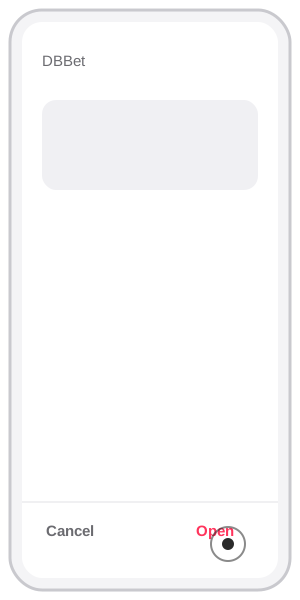
6. Open the app
Once installed, tap Open to launch DBBet.
iPhone — Install Steps
iPhone has no native app — it uses an "Add to Home Screen" shortcut through Safari instead, not an APK file.
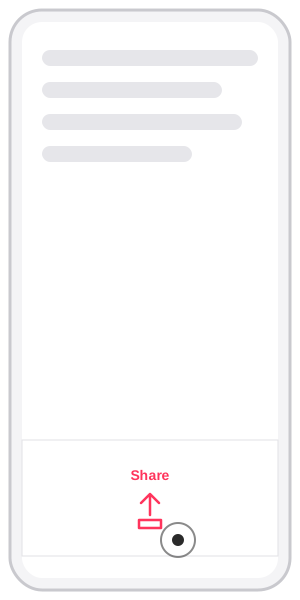
1. Open Share
Wait for the site to finish loading, then tap the Share icon.
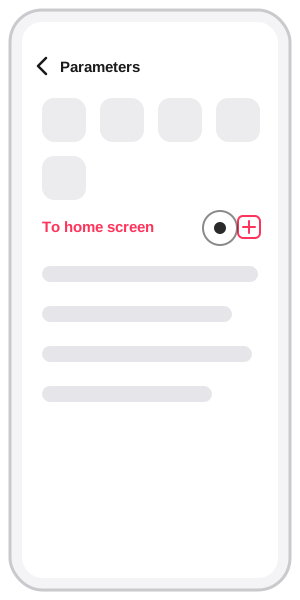
2. Select "Add to Home Screen"
In the share menu, choose that option.
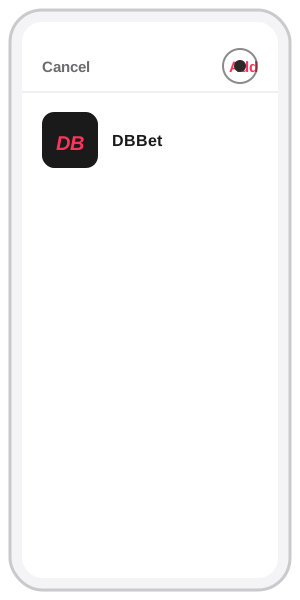
3. Tap Add
Tap Add in the upper-right corner — the DBBet icon appears on your home screen.
Keeping the App Updated
Because the APK doesn't go through the Play Store, updates don't appear automatically the way they do for a typical app — you need to manually re-download the latest version from this page. Running an outdated version is one of the most common causes of login errors or the app suddenly force-closing, as covered in our Login Problems guide. As a habit, check this page occasionally and compare it against the version installed on your device if you run into technical issues with the app.
Making Sure the APK You Download Is Genuine
Because the APK is distributed outside the Play Store, it matters that the download source is correct. The safest approach is always downloading directly from the button on this page, which leads to DBBet's APK download — not from a link shared in a chat group, forum, or third-party ad claiming to be DBBet. Once the file downloads, the file name and app name shown on the install confirmation screen should read "DBBet" — if a different name appears, or the app requests unusual permissions for a betting app (like access to contacts or SMS), cancel the installation.
Frequently Asked Questions
Is it safe to download an APK outside the Google Play Store?
Android shows a standard warning for any file outside the Play Store — that's normal, not a sign of a specific danger. What matters is only allowing installs from sources you trust, and downloading via the download button on this page, which leads to DBBet's APK file.
Why isn't the DBBet app on the Google Play Store?
Google Play's policy does not allow real-money betting apps in Indonesia. Because of that, direct APK distribution is the standard way betting apps are distributed in this market — not a way to get around anything, just a different distribution channel.
Do I need to uninstall the old version before installing a new one?
Generally no — installing a new APK file overwrites the old version automatically as long as the app's package name is the same, and your account data stays intact since it's stored on the server, not on your device.
Why am I asked to allow "unknown sources" every time I install?
This is a built-in Android security setting that prevents automatic installs from outside the Play Store. Depending on your Android version, this permission may need to be re-enabled for each update, or it may stay on for the same browser once enabled once.
Running Into Issues?
If you have login trouble after installing, see our Login Problems guide, or visit the Help Center for more guides.